
Step 1: Log in to your Eventzilla Account
Step 2: Click on «Account Settings» tab
Step 3: Click on «Embed Your Events» link on left navigation
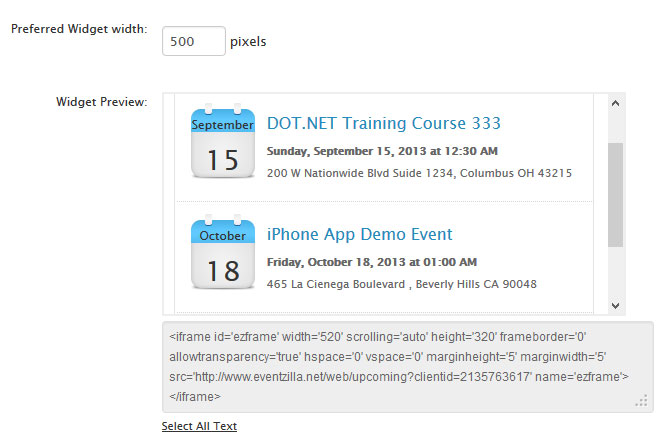
Step 4: Adjust the width for the events display
Step 5: Copy the embed code and paste between <body></body> tags on your website.